 kursa
kursaMake it feel familiar
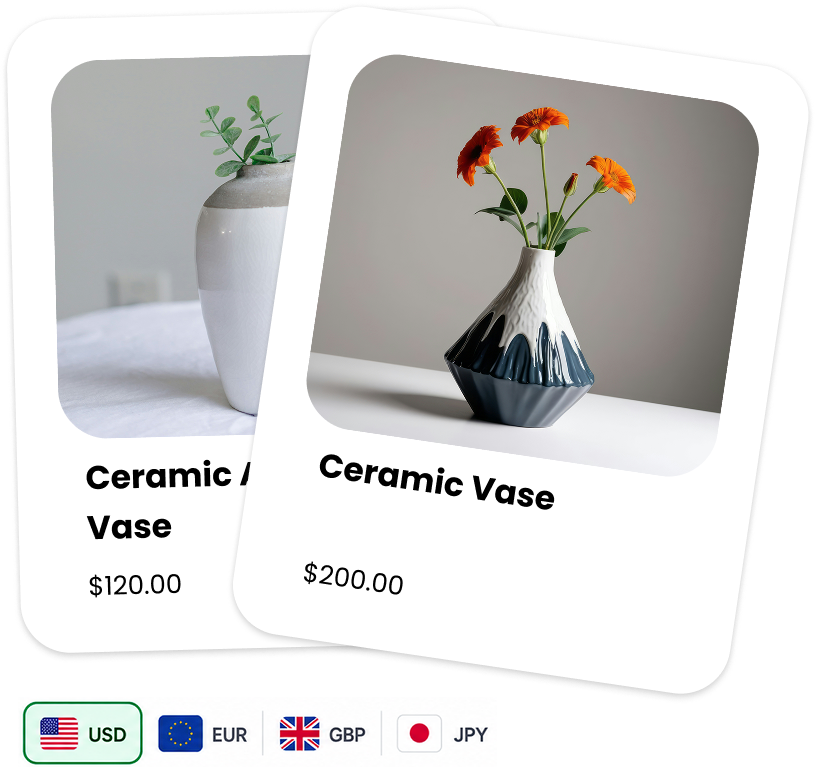
Choose the currencies shoppers can browse in. Show country flags, currency codes, or both.
Made for Shopify storefronts
Help shoppers feel at home. Show your storefront prices in their preferred currency, with a switcher that fits right into your theme.
Free to use · No extra account · Shopify controls checkout
Small details. Better browsing.
Give shoppers a choice, while keeping control of how your store looks.
Choose the currencies shoppers can browse in. Show country flags, currency codes, or both.
Customize colors, borders, shadows, and placement. Set different positions for desktop and mobile.
Choose rounding rules and show currency codes alongside displayed amounts.
A shopper’s selected currency stays with them across pages and reloads on the same storefront.
Display converted product amounts, cart line prices, and totals. Addons use their own amounts.
Kursa updates storefront displays. Your Shopify settings determine checkout and payment currency.
A little setup. A familiar experience.
Enable Kursa and select the currencies you want to offer.
Copy the two HTML snippets from Kursa into Shopify settings.
Enable Kursa in your published theme, then preview your storefront.
Then preview your storefront on desktop and mobile.
A currency switcher, made yours.
Kursa is free to use. Start with the setup guide and make it your own.
Set up Kursa